

Integration
Send VTEX orders to your ERP and bring stock, prices and catalog back, so the store sells what you actually have.
 Data in motion
The problem
Different systems, different rules, and people in the middle copying data.
Orders sit in VTEX until someone moves them to the ERP, which delays invoicing and shipping.
The catalog in VTEX and the ERP drift apart, and products are sold without stock or at the wrong price.
When a sync fails, you only find out when a customer complains.
What we sync
Pick a kind of data and see where it goes, and in which direction.
A typical scope. Exact fields and rules are defined with you for each flow.
How it works
The same three steps for every integration.
With agents
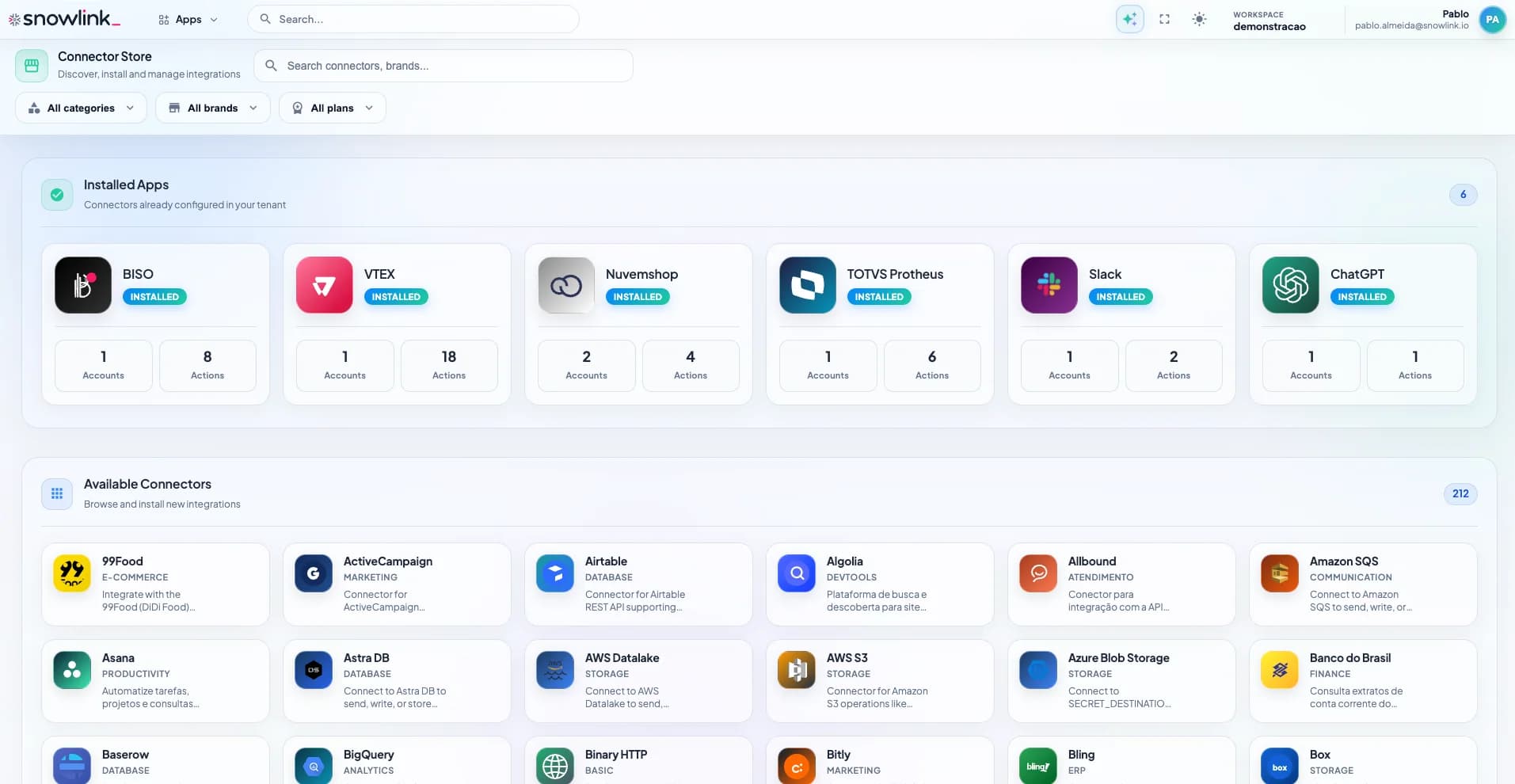
Nexus AI agents can watch your VTEX integration on top of the iPaaS, always asking before changing anything.


More integrations
Tell us which systems you run and we will show you the flows.